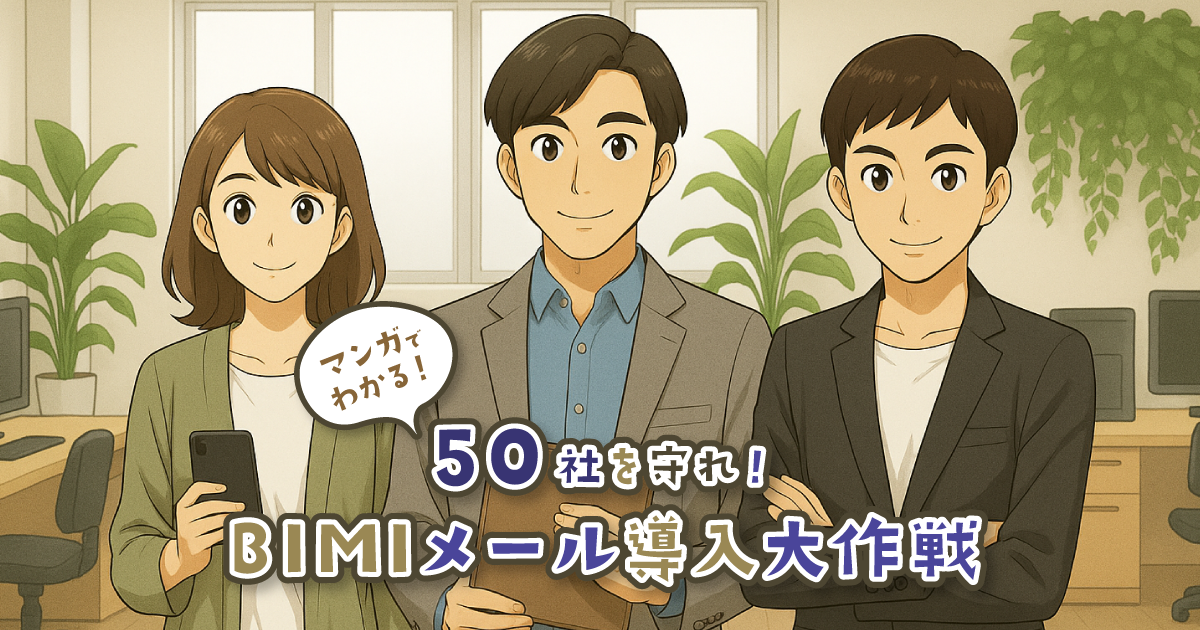
/* ------------------------------------------- */ /* 外部リソースの読み込み */ /* ------------------------------------------- */ /* Interフォントを使用 */ @import url('https://fonts.googleapis.com/css2?family=Inter:wght@400;700;900&display=swap'); /* ------------------------------------------- */ /* アニメーション定義 */ /* ------------------------------------------- */ /* 1. アニメーションの定義 */ @keyframes safe-fade-up { 0% { opacity: 0; transform: translateY(20px); } 100% { opacity: 1; transform: translateY(0); } } /* 2. アニメーションを適用するクラス */ .css-lp-wrapper .css-animate-safe { opacity: 0; transform: translateY(20px); animation: safe-fade-up 0.8s ease-out forwards; } /* 3. 要素ごとの待ち時間(時間差で登場させる) */ .css-lp-wrapper .delay-1 { animation-delay: 0.5s; } .css-lp-wrapper .delay-2 { animation-delay: 1.0s; } .css-lp-wrapper .delay-3 { animation-delay: 1.5s; } .css-lp-wrapper .delay-4 { animation-delay: 2.0s; } .css-lp-wrapper .delay-5 { animation-delay: 2.5s; } /* ------------------------------------------- */ /* 全体レイアウトのスタイル(安全設計) */ /* ------------------------------------------- */ /* 4. LPデザインのCSS(安全設計) - グローバルリセット */ .css-lp-wrapper * { margin: 0; padding: 0; box-sizing: border-box; } .css-lp-wrapper { font-family: 'Inter', sans-serif; /* Interに変更 */ line-height: 1.6; color: #333; background-color: #f4f4f4; overflow-x: hidden; width: 100%; /* WordPressテーマの影響を受けにくくするため、マージンをリセット */ margin: 0 auto; } .css-lp-container { max-width: 1000px; margin: 0 auto; padding: 20px; } /* ------------------------------------------- */ /* ヘッダーのスタイル */ /* ------------------------------------------- */ .css-lp-header { position: relative; min-height: 400px; background-color: transparent; color: #fff; padding: 0; margin-bottom: 0; overflow: hidden; } .css-lp-header::before { display: none; } .css-header-image-container { position: absolute; top: 0; left: 0; width: 100%; height: 100%; display: block; z-index: 1; overflow: hidden; background-color: transparent; } .css-header-image-container img { width: 100%; height: 100%; object-fit: contain; display: block; /* 修正済み: ヘッダー画像の影と線を削除 */ box-shadow: none; border-radius: 0; mix-blend-mode: normal; border: none; } .css-header-flex-content { display: flex; flex-direction: column; justify-content: center; align-items: center; position: relative; z-index: 2; max-width: 1000px; margin: 0 auto; min-height: 400px; padding: 20px; box-sizing: border-box; text-align: center; } /* ------------------------------------------- */ /* 一般セクションのスタイル */ /* ------------------------------------------- */ .css-lp-footer { background-color: #333399; color: #fff; text-align: center; padding: 20px 0; margin-top: 60px; } .css-lp-section { background-color: #fff; padding: 40px; margin-bottom: 30px; border-radius: 12px; box-shadow: 0 6px 20px rgba(0, 0, 0, 0.15); text-align: center; } .css-lp-section h2 { font-size: 2.5em!important; color: #333399; margin-bottom: 20px; font-weight: bold; } /* 最初のh2タグ専用の小型化クラスのサイズを1.5emに変更 */ .css-smaller-h2 { font-size: 1.5em !important; } .css-lp-section p { font-size: 1.2em; max-width: 800px; margin: 0 auto; } /* DMARCヒーローズが提供する安心 (削除されたセクションのスタイル) */ .css-full-width-feature, .css-lp-section.css-feature-section-color { display: none; } /* ------------------------------------------- */ /* 画像表示の調整(PC/SP切り替えなし) */ /* ------------------------------------------- */ .css-lp-section .css-section-content { display: block; margin-top: 30px; text-align: center; } /* 個々の画像コンテナのPC用スタイル(縦並び用) */ .css-lp-section .css-section-image { width: 100%; max-width: 700px; margin: 0 auto 0 auto; text-align: center; } .css-lp-section .css-section-image:last-child { margin-bottom: 0; } .css-lp-section .css-section-image img { max-width: 100%; height: auto; /* 修正済み: 本文中の画像の線と影を削除 */ border: none; border-radius: 8px; display: block; box-shadow: none; margin: 0 auto; } /* ------------------------------------------- */ /* CTAボタンのスタイル (ソリッドブルー) */ /* ------------------------------------------- */ .css-cta-container { text-align: center; margin-top: 30px; margin-bottom: 20px; } .css-cta-button { display: inline-block; padding: 18px 50px; font-size: 1.5em; font-weight: bold; text-decoration: none !important; /* アンダーラインを強制削除 */ border: none; /* ボタン周囲の線を削除 */ color: #fff !important; background-color: #333399; border-radius: 8px; transition: all 0.3s ease; box-shadow: 0 6px 15px rgba(0, 0, 0, 0.3); } .css-cta-button:hover { background-color: #2a2a7a; color: #fff; box-shadow: 0 4px 10px rgba(0, 0, 0, 0.2); } /* ------------------------------------------- */ /* レスポンシブ対応: スマホ(max-width: 768px) */ /* ------------------------------------------- */ @media (max-width: 768px) { .css-lp-container { padding: 5px; } .css-lp-section { padding: 20px 10px; margin-bottom: 20px; } .css-lp-section h2 { font-size: 2em!important; } .css-header-flex-content { min-height: 400px; padding: 20px 15px; } .css-header-content { max-width: 90%; padding: 15px; order: 1; } .css-lp-header h1 { font-size: 2.8em !important; } .css-lp-header p { font-size: 1.1em; } .css-lp-section .css-section-image { max-width: 100%; margin: 0 auto 0; } } /* ------------------------------------------- */ /* 最初のセクション専用の行揃え調整 */ /* ------------------------------------------- */ .css-lp-section.delay-1 p { margin-left: 0 !important; margin-right: 0 !important; text-align: left !important; /* 強制的に左寄せに */ } .css-lp-section.delay-1 ul { padding-left: 0 !important; /* リストのパディングをリセット */ margin-left: 0 !important; /* リストのマージンをリセット */ } /* リストアイテム内のテキストのインデントを調整し、ネガティブインデントを削除 */ .css-lp-section.delay-1 ul p { padding-left: 0 !important; text-indent: 0 !important; } /* 注意書きのセンタリングを解除し、左寄せに戻す */ .css-lp-section.delay-1 .align-center-override { text-align: left !important; } 巧妙化する なりすましメールからお客様を守り、ブランドの信頼性を高める「企業ロゴ付きメール(BIMI)」。 その導入に不可欠なのが、企業ロゴ所有証明書(VMC)および送信ドメイン認証技術「DMARC」のポリシー強化です。 特にDMARCの導入は「難しそうで、何から手をつければいいか分からない…」というお声を聞きます。 そんなメール管理者様のお悩みを解決するため、GMOブランドセキュリティが2つの無料コンテンツをご用意しました。 1.マンガでわかる!『50社を守れ!BIMIメール導入大作戦』 BIMIがビジネスにもたらすメリットや効果を、ストーリー仕立てで楽しく学べます。まずはBIMIの全体像をつかみたい方におすすめです。 2.実践ガイド『顧客を守る!メール管理者のためのDMARCポリシー引き上げガイド』 GMOインターネットグループ約50社への導入支援で得たノウハウを凝縮。DMARCの具体的な導入手順を、担当者目線で徹底解説します。 【ガイドの入手方法】 はじめにマンガをお読みいただき、マンガの最後にあるリンクから資料ダウンロードサイトにアクセスしてください。 ぜひこの機会に2つのコンテンツをご活用いただき、貴社のメールセキュリティ強化とブランド価値向上にお役立てください。 【メールセキュリティの現状】あなたの会社のメールは本当に安全ですか? フィッシングメールの脅威の図 DMARCの認証とポリシーの仕組みを示す図 BIMI(ブランドロゴ表示)の仕組みと効果を示す図 DMARC運用ダッシュボード画面の例 DMARC導入ステップ1(監視モード)の説明図 DMARC導入ステップ2(隔離・拒否モード)の説明図 DMARC導入ステップ3(BIMI導入)の説明図 DMARC設定 導入画面ステップ8 DMARC設定 導入画面ステップ9 DMARC設定 導入画面ステップ10 DMARC設定 導入画面ステップ11 DMARC設定 導入画面ステップ12 DMARC設定 導入画面ステップ13 DMARC設定 導入画面ステップ14 DMARC設定 導入画面ステップ15 DMARC設定 導入画面ステップ16 DMARC設定 導入画面ステップ17 DMARC設定 導入画面ステップ22 DMARC設定 導入画面ステップ18 DMARC設定 導入画面ステップ19 DMARC設定 導入画面ステップ20 実践ガイド『顧客を守る!メール管理者のためのDMARCポリシー引き上げガイド』 ダウンロードはこちら


.svg)